

You can publish the best content in the world, but if your website has underlying technical issues, search engines may never rank it the way it deserves. Technical SEO is the foundation everything else is built on — and unfortunately, it’s often the most overlooked part of a website’s overall strategy.
The tricky part is that technical SEO problems are often invisible to the average visitor. Your site might look perfectly fine to a human, while search engines struggle to crawl, index, or understand it properly behind the scenes.
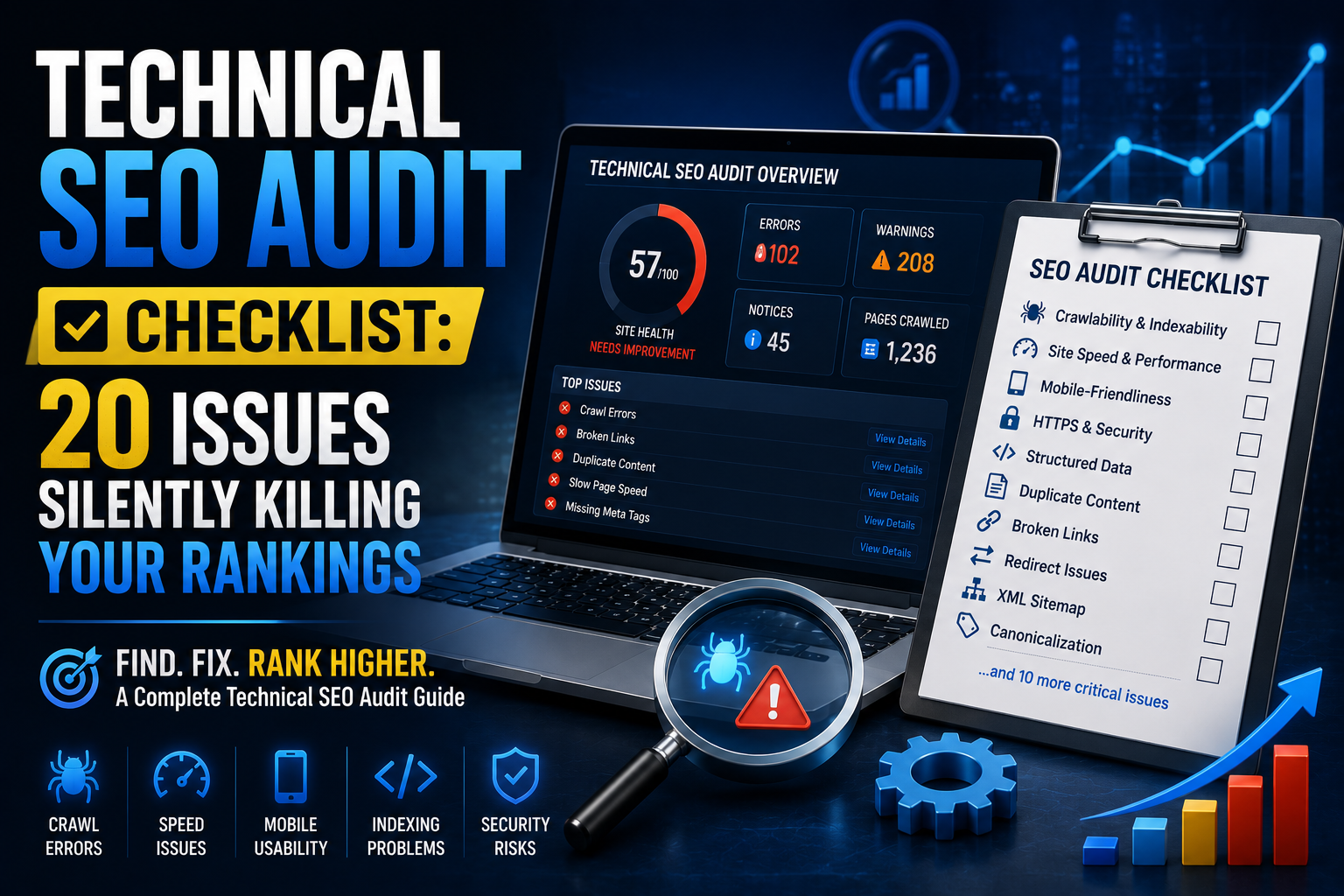
This checklist walks through 20 of the most common technical SEO issues that quietly damage rankings — along with practical guidance on how to identify and fix each one.
Why Technical SEO Matters So Much
Search engines need to be able to crawl, understand, and index your website efficiently before your content even has a chance to rank. If there are barriers in the way — broken links, slow load times, duplicate content, or poor site structure — your rankings will suffer regardless of how strong your content strategy is.
Think of technical SEO as the plumbing of your website. Nobody sees it directly, but if it’s broken, everything else stops working properly.
The 20-Point Technical SEO Audit Checklist
1. Slow Page Load Speed
Page speed directly affects both user experience and rankings. Use tools like Google PageSpeed Insights or GTmetrix to identify what’s slowing your site down — usually large images, unoptimised code, or poor hosting.
Fix: Compress images, enable browser caching, use a content delivery network (CDN), and consider upgrading your hosting if needed.
2. Poor Core Web Vitals
Core Web Vitals measure loading performance, interactivity, and visual stability. Poor scores here can hold back your rankings even if other elements are strong.
Fix: Reduce JavaScript execution time, optimise images, and eliminate layout shifts caused by ads or dynamically loaded content.
3. Missing or Duplicate Meta Titles and Descriptions
Every page needs a unique, descriptive title and meta description. Duplicates confuse search engines about which page to prioritise.
Fix: Audit all pages using a crawling tool like Screaming Frog and write unique, keyword-relevant titles and descriptions for each.
4. Broken Internal and External Links
Broken links create a poor user experience and waste crawl budget, as search engines spend time trying to access pages that no longer exist.
Fix: Run a broken link check regularly and either fix, redirect, or remove broken links.
5. Improper Use of Redirects
Redirect chains (multiple redirects in sequence) and redirect loops slow down crawling and dilute link equity.
Fix: Ensure redirects go directly from the old URL to the final destination in a single step — avoid chaining multiple redirects together.
6. Missing XML Sitemap
Without a properly configured XML sitemap, search engines may struggle to discover all the important pages on your site.
Fix: Generate an updated XML sitemap and submit it through Google Search Console and Bing Webmaster Tools.
7. Incorrect Robots.txt Configuration
A misconfigured robots.txt file can accidentally block search engines from crawling important pages — a surprisingly common and costly mistake.
Fix: Review your robots.txt file carefully to ensure it isn’t blocking pages you actually want indexed.
8. Poor Mobile Responsiveness
With mobile-first indexing, Google primarily evaluates the mobile version of your site. A clunky mobile experience directly damages rankings.
Fix: Test your site using Google’s Mobile-Friendly Test and address any layout, tap-target, or readability issues.
9. Duplicate Content Issues
Duplicate content — whether from URL parameters, printer-friendly pages, or copied product descriptions — confuses search engines about which version to rank.
Fix: Use canonical tags to indicate the preferred version of a page, and consolidate or rewrite duplicated content where possible.
10. Missing or Incorrect Canonical Tags
Canonical tags tell search engines which version of a page is the “master” copy, especially important for eCommerce sites with filtered or sorted product pages.
Fix: Audit canonical tags across your site to ensure they’re pointing to the correct URLs.
11. Unoptimised URL Structure
Long, messy URLs filled with parameters or unclear structure are harder for both users and search engines to understand.
Fix: Use clean, descriptive, keyword-relevant URLs (e.g., /services/seo-audit rather than /page?id=4829).
12. Missing Structured Data (Schema Markup)
Without schema markup, search engines miss opportunities to display rich results like reviews, FAQs, or product details — reducing your click-through potential.
Fix: Implement relevant schema types (Article, FAQ, Product, LocalBusiness, etc.) using JSON-LD format.
13. Poor Internal Linking Structure
Pages with few or no internal links pointing to them are harder for search engines to discover and often carry less authority.
Fix: Build a logical internal linking structure, ensuring important pages receive links from multiple relevant pages across your site.
14. Orphaned Pages
Orphaned pages have no internal links pointing to them at all, making them nearly invisible to search engine crawlers.
Fix: Identify orphaned pages using a crawling tool and add relevant internal links, or remove the page if it’s no longer needed.
15. HTTP Instead of HTTPS
Running on HTTP rather than HTTPS is a security red flag for both users and search engines, and can directly hurt rankings.
Fix: Migrate fully to HTTPS with a valid SSL certificate, and ensure all internal links and redirects point to the secure version.
16. Crawl Budget Waste
Large websites, in particular, can waste crawl budget on low-value pages (like faceted navigation or filtered search results), leaving important pages under-crawled.
Fix: Use robots.txt or noindex tags strategically to prevent search engines from wasting time on low-value pages.
17. Missing Alt Text on Images
Alt text helps search engines understand image content and contributes to accessibility — both of which support SEO indirectly.
Fix: Add descriptive, keyword-relevant alt text to all meaningful images across your site.
18. Inconsistent or Missing Hreflang Tags (For International Sites)
If you’re targeting multiple countries or languages, missing hreflang tags can cause the wrong regional version of your site to rank in the wrong location.
Fix: Implement hreflang tags correctly to signal which page version should appear for each language or region.
19. Thin or Low-Value Indexed Pages
Pages with very little content (like empty category pages or auto-generated tag pages) can dilute overall site quality in the eyes of search engines.
Fix: Either improve thin pages with more valuable content or noindex them if they serve no real purpose for users.
20. Server Errors and Downtime
Frequent server errors (5xx) or downtime can severely damage both user trust and search engine crawling reliability.
Fix: Monitor server uptime and response codes regularly, and address hosting or server configuration issues promptly.
How Often Should You Run a Technical SEO Audit?
For most businesses, a full technical audit every 3 to 6 months is sufficient, with ongoing monitoring in between using tools like Google Search Console. Larger or fast-changing websites (like eCommerce platforms) may benefit from more frequent checks, particularly after major site updates or migrations.
Tools to Help You Audit Your Website
- Google Search Console — for indexing status, crawl errors, and Core Web Vitals data
- Screaming Frog — for comprehensive site crawling and issue detection
- PageSpeed Insights / GTmetrix — for performance and Core Web Vitals analysis
- Ahrefs or SEMrush — for broader site audits, backlink analysis, and keyword tracking
Final Thoughts
Technical SEO issues are easy to overlook because they don’t show up in the visible parts of your website — but their impact on your rankings can be significant. A single misconfigured redirect, a blocked page, or a slow-loading site can undo months of great content work.
Running through this checklist regularly — or having a professional team handle it for you — ensures your website’s foundation stays solid, so your content and backlinks can actually do their job.
Not sure if your website has hidden technical SEO issues? Eleysign offers comprehensive technical SEO audits for businesses across the US, UK, and Europe, identifying and fixing the issues holding your rankings back. Get in touch for a full website audit today.
Frequently Asked Questions
1. What is the difference between technical SEO and on-page SEO?
Technical SEO focuses on the backend structure and crawlability of a website (speed, indexing, site architecture), while on-page SEO focuses on content elements like keywords, headings, and meta tags.
2. How do I know if my website has technical SEO issues?
Common warning signs include declining organic traffic, pages not appearing in Google Search Console, slow load times, or a high bounce rate. A full technical audit will reveal specific issues.
3. Can technical SEO issues cause a ranking drop?
Yes. Issues like broken redirects, blocked pages, duplicate content, or poor Core Web Vitals can directly cause ranking drops, even if your content quality remains strong.
4. Do I need a developer to fix technical SEO issues?
Some fixes (like meta tags or alt text) can be handled without coding knowledge, but others (like redirect configurations or schema implementation) often require developer support or an experienced SEO team.
5. How long does it take to see results after fixing technical SEO issues?
Some improvements, like faster indexing, can happen within days. Ranking improvements typically take a few weeks to a few months, depending on the severity of the issues fixed.